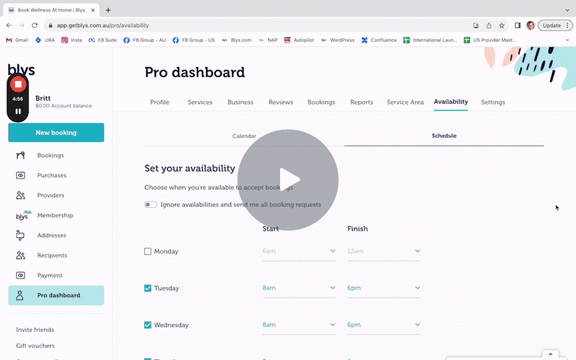
To help providers manage their calendars more efficiently we've added a feature that lets providers add a buffer time between bookings to allow for travel, preparation and breaks.
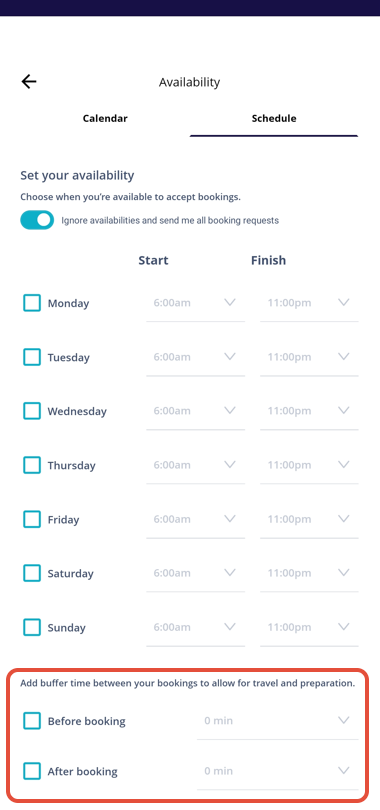
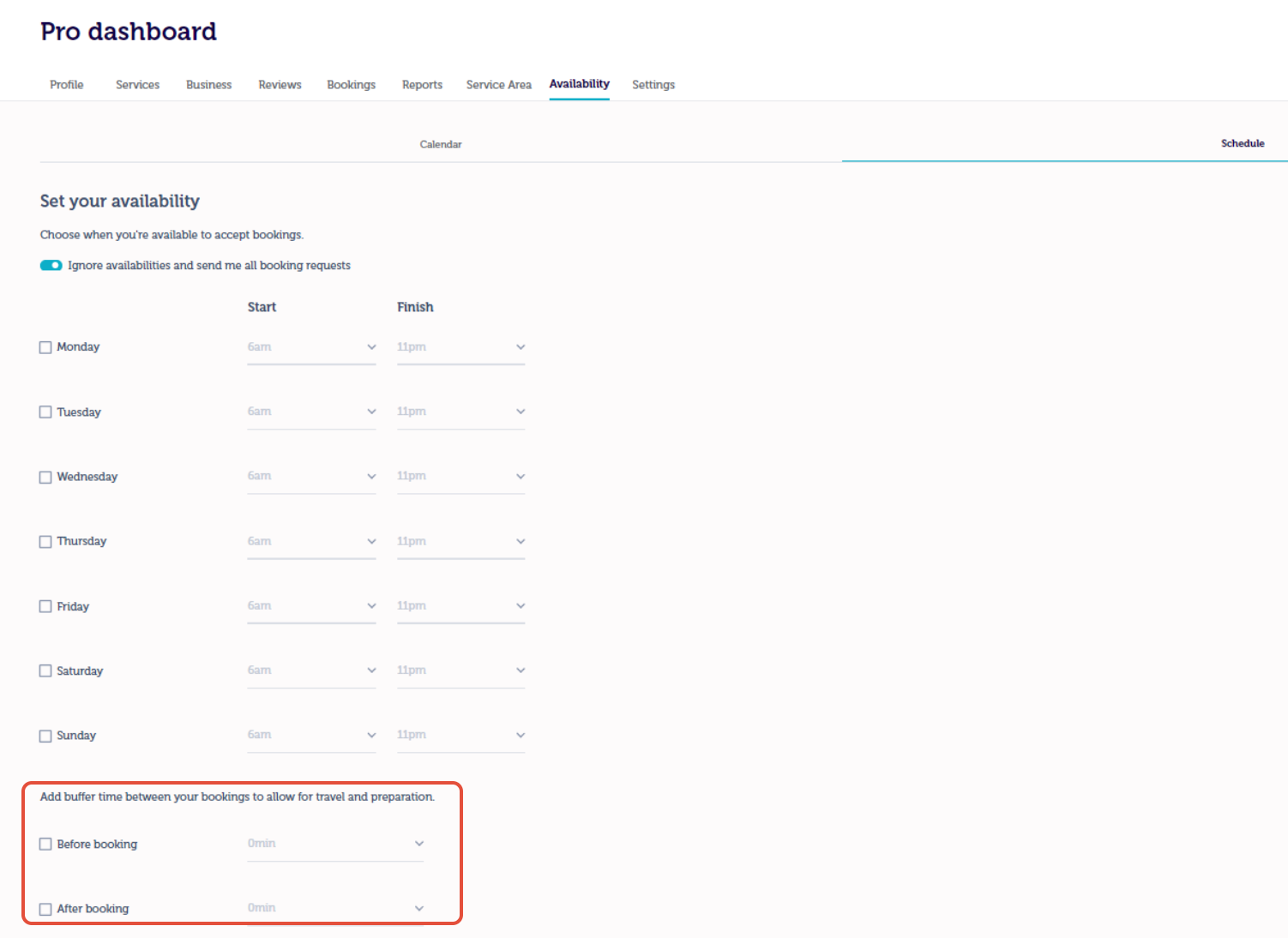
The default buffer has always been 60 minutes but now providers can have the flexibility to choose a buffer time (between 0 and 120 minutes) that suits the provider's schedule.
This means providers can now do things like accept back-to-back bookings at the same location or a nearby location, as well as add longer or shorter breaks between bookings.
Blys Pro App:
On the Blys pro app, go to Account> Availablity> Schedule.
Blys Pro Dashboard:
On the Blys Pro Dashboard go to Availbility> Schedule.
Please see the video link below for more information.
Using the New Buffer Time Feature - Watch Video