Mobile App
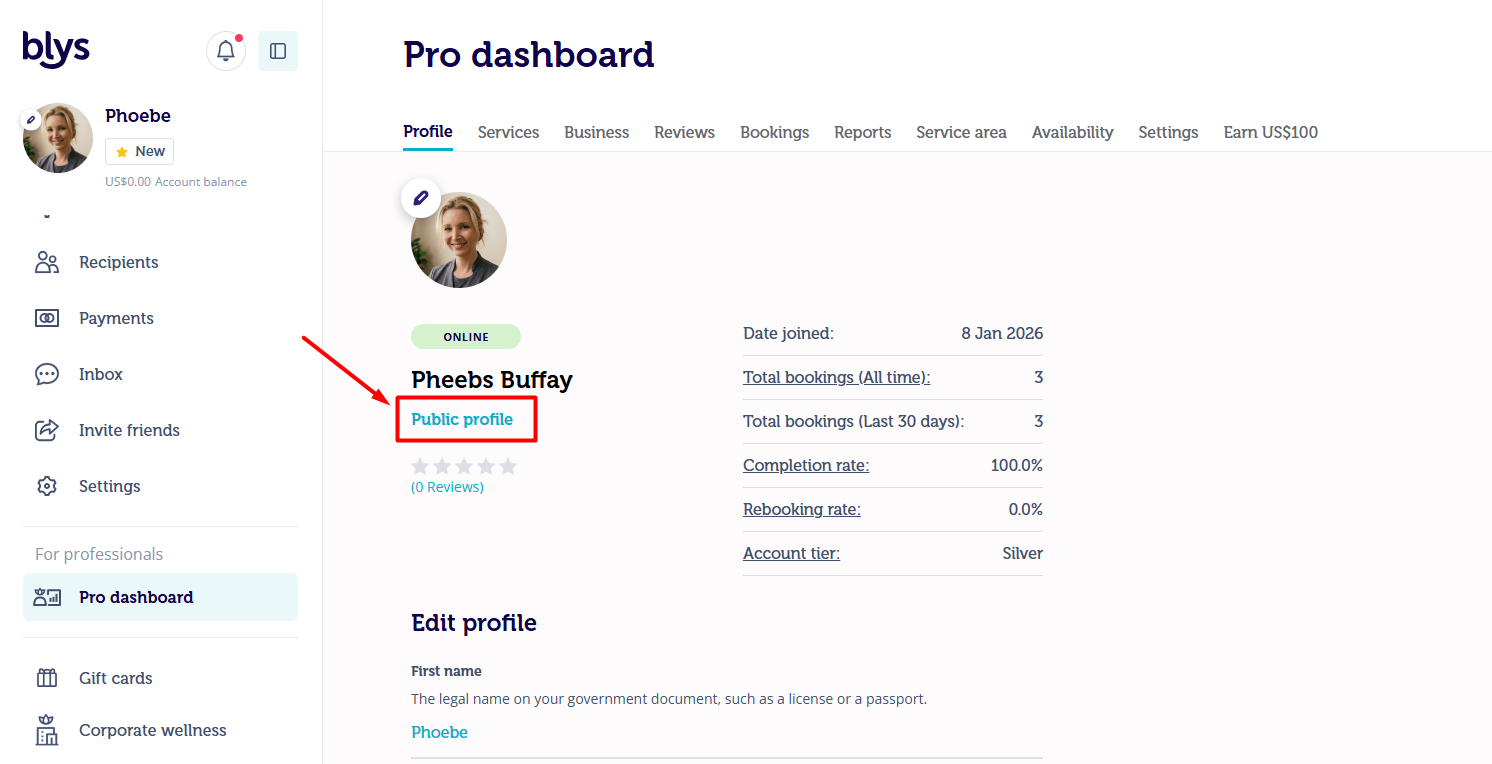
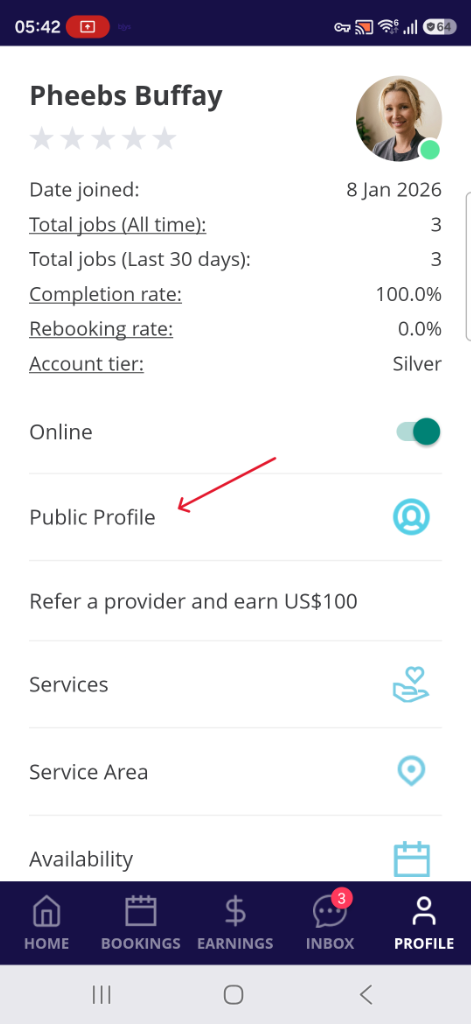
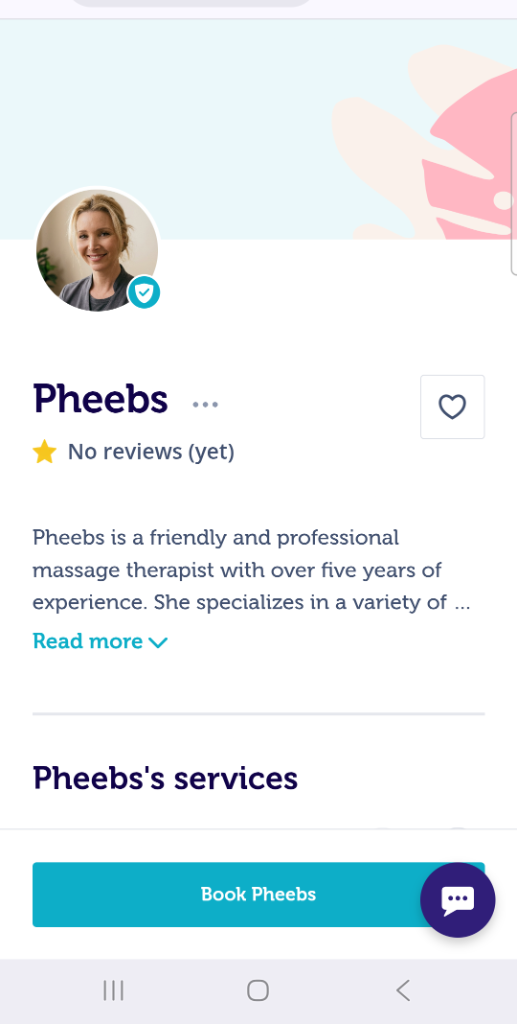
- Go to "Account"
- Select "Public Profile"
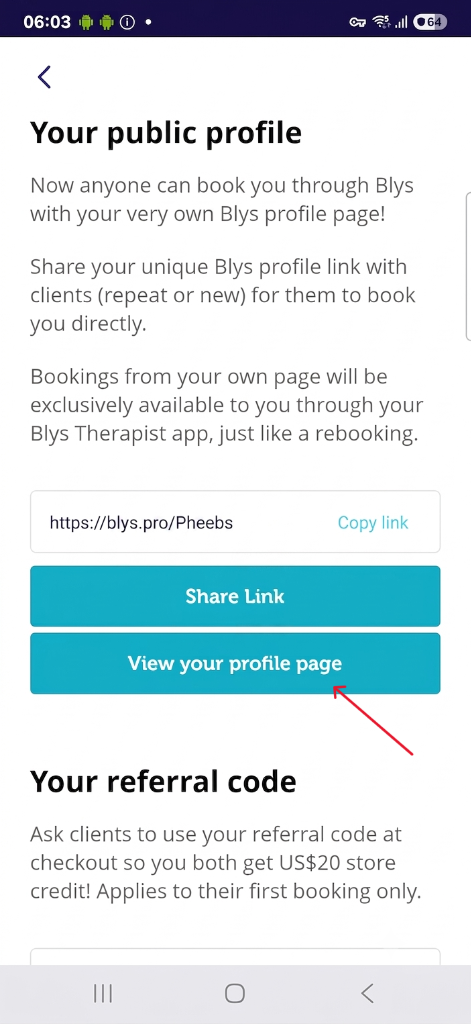
- Tap the "View your profile page" button
|
|
|
Web App
- If you also have a Blys client account, make sure the toggle at the top of the left menu is set to "Pro" (it remembers the last mode you used)
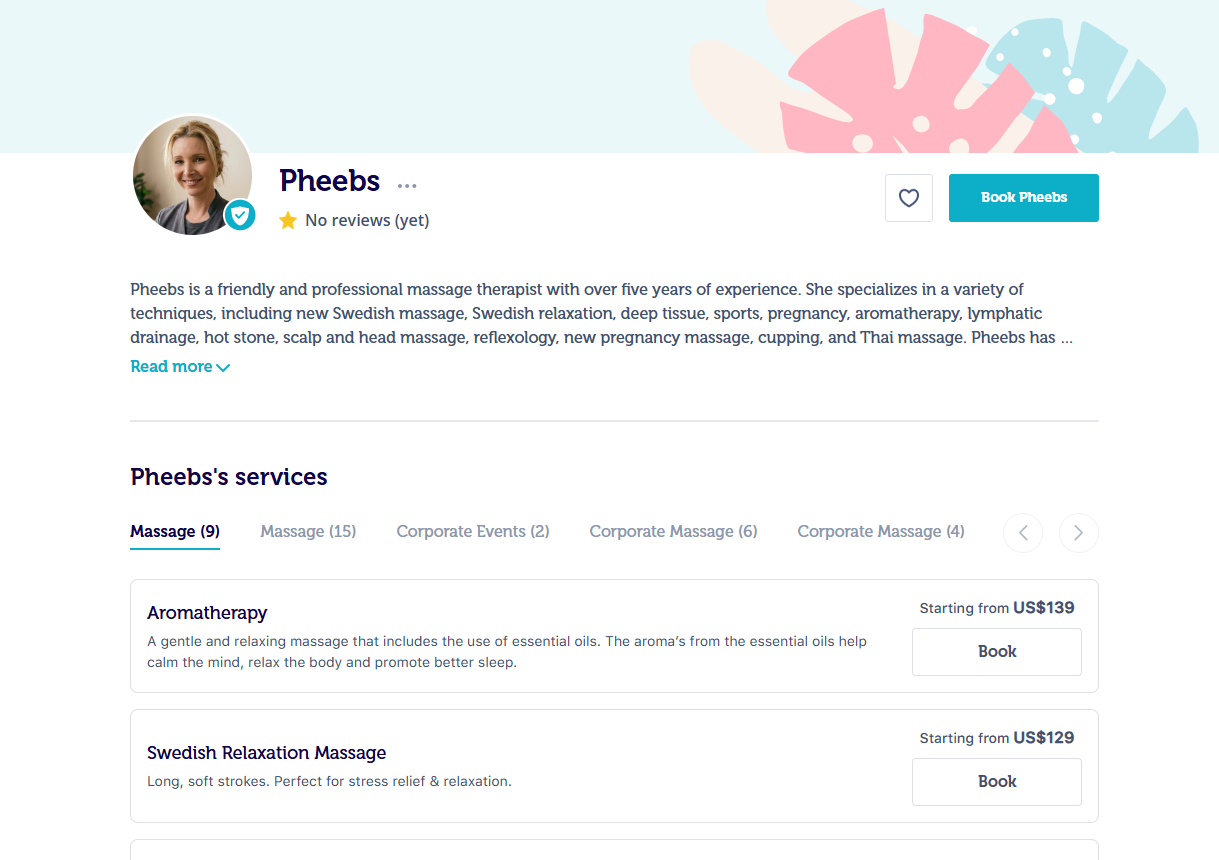
- Go to Pro Dashboard > Profile
- Just below your name, click "Public profile"
Tip: your upcoming jobs as a provider appear in Pro mode, not under the client Bookings tab. If you see a banner about upcoming jobs as a provider, tap "Switch to Pro".