How do I stay offline in the Blys Pro App ?

Modified on Wed, 14 Jan at 1:42 PM


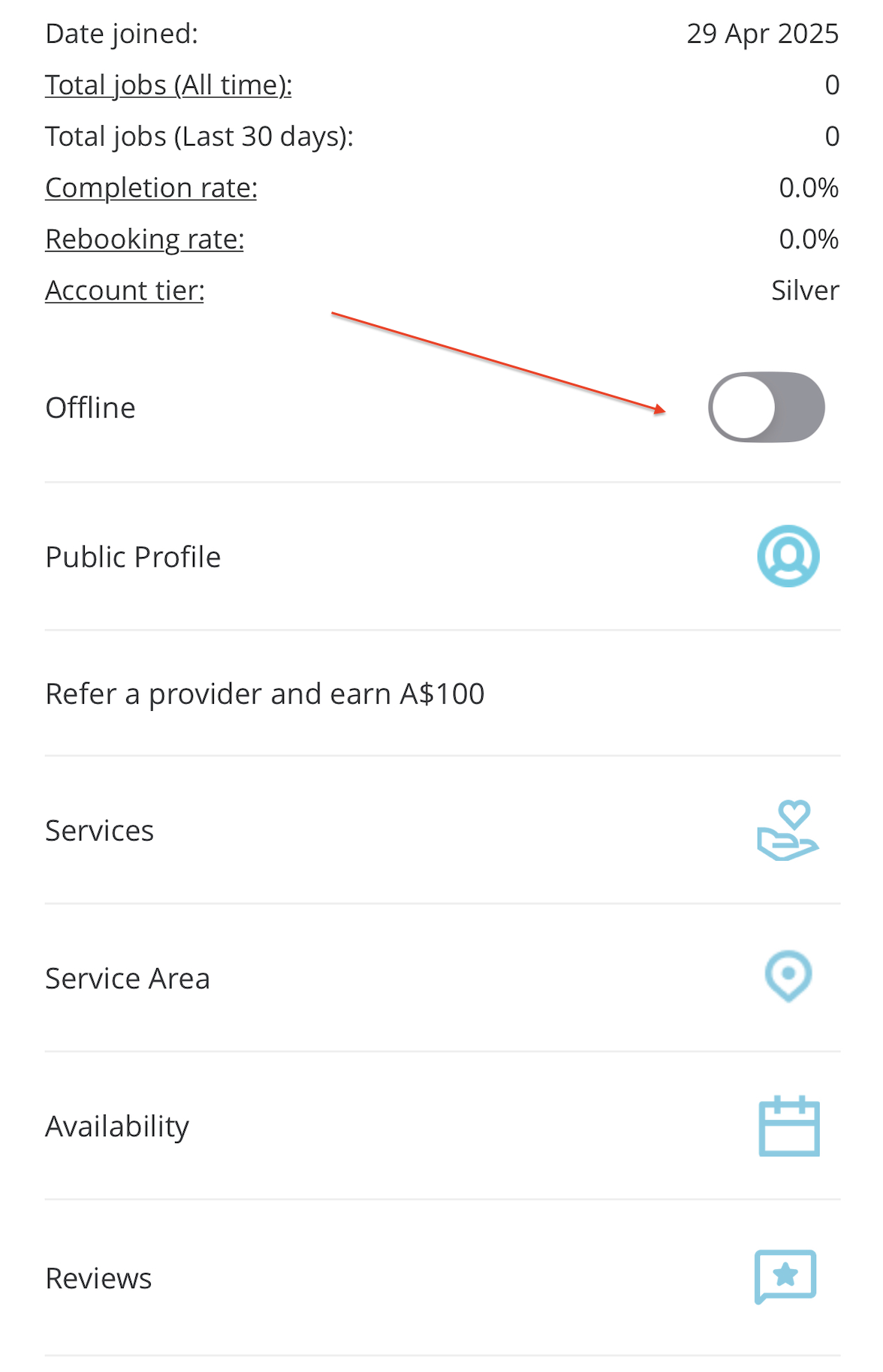
If you’d like to pause new booking requests, you can do this directly in your Blys Pro app by switching your account to offline mode. This will allow you to complete your upcoming booking while preventing notifications for any new booking requests.


For more queries, you can email us at Provider-success@getblys.com


Was this article helpful?

That’s Great!

Thank you for your feedback

Sorry! We couldn't be helpful

Thank you for your feedback

Let us know how can we improve this article!

Select at least one of the reasons
CAPTCHA verification is required.

Feedback sent

We appreciate your effort and will try to fix the article