If your payment is declined, your booking is placed on hold, not cancelled immediately. You have a window to fix it.
In this Article
- What happens when my payment fails?
- How do I fix it?
- Common causes of payment failures
- What if I can’t fix it in time?
- Purchased gift cards
- Other references
What happens when my payment fails?
- Your booking will be on hold (not immediately cancelled).
- An in-app push notification and an email will be sent to you.
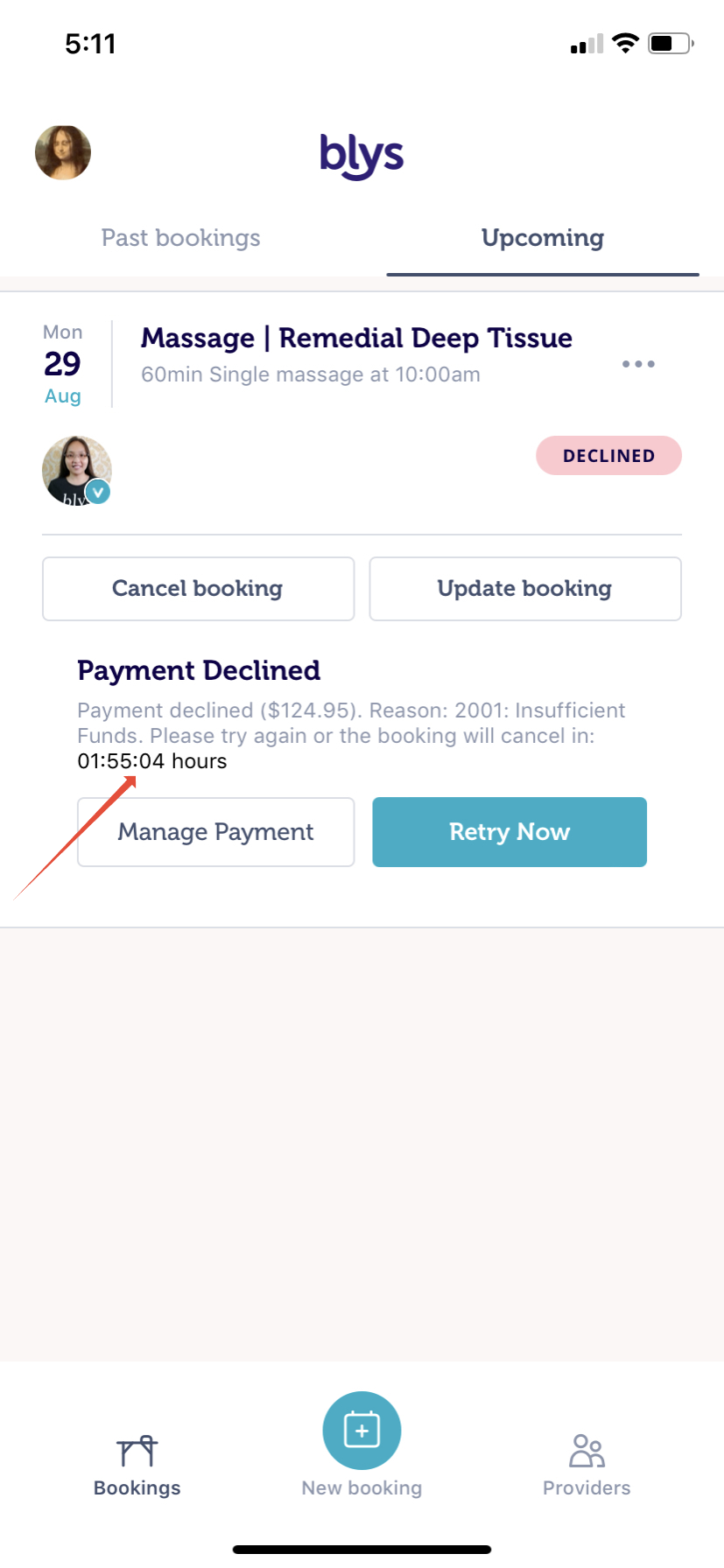
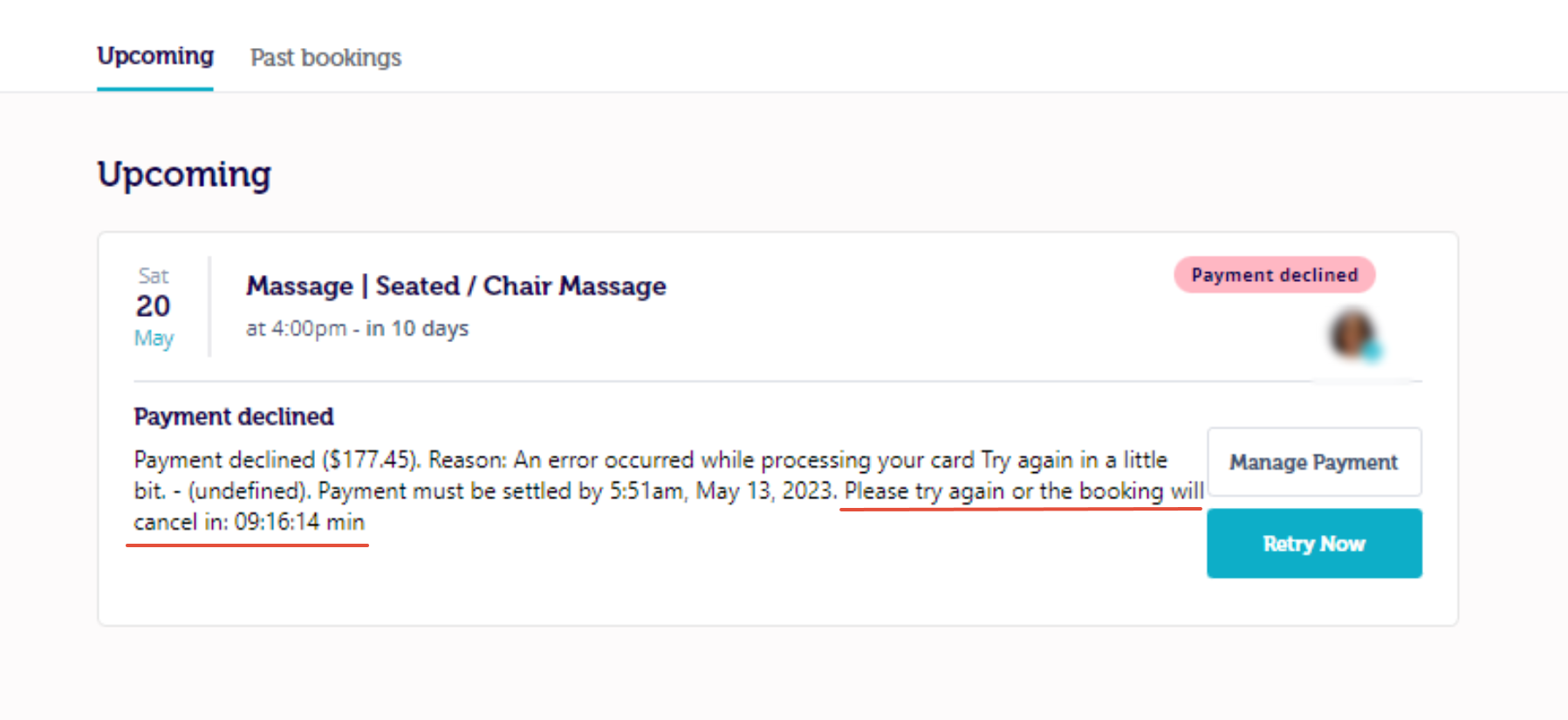
- The countdown timer in the app shows time remaining to resolve.
- If not resolved in time, your booking gets auto-cancelled to free your provider's time.
How do I fix it?
Via App
1. You will receive a push notification and an email that your booking will be put on hold until the payment has been confirmed. The reason for the declined payment can also be seen in your booking. Find the pending booking in the Blys app.
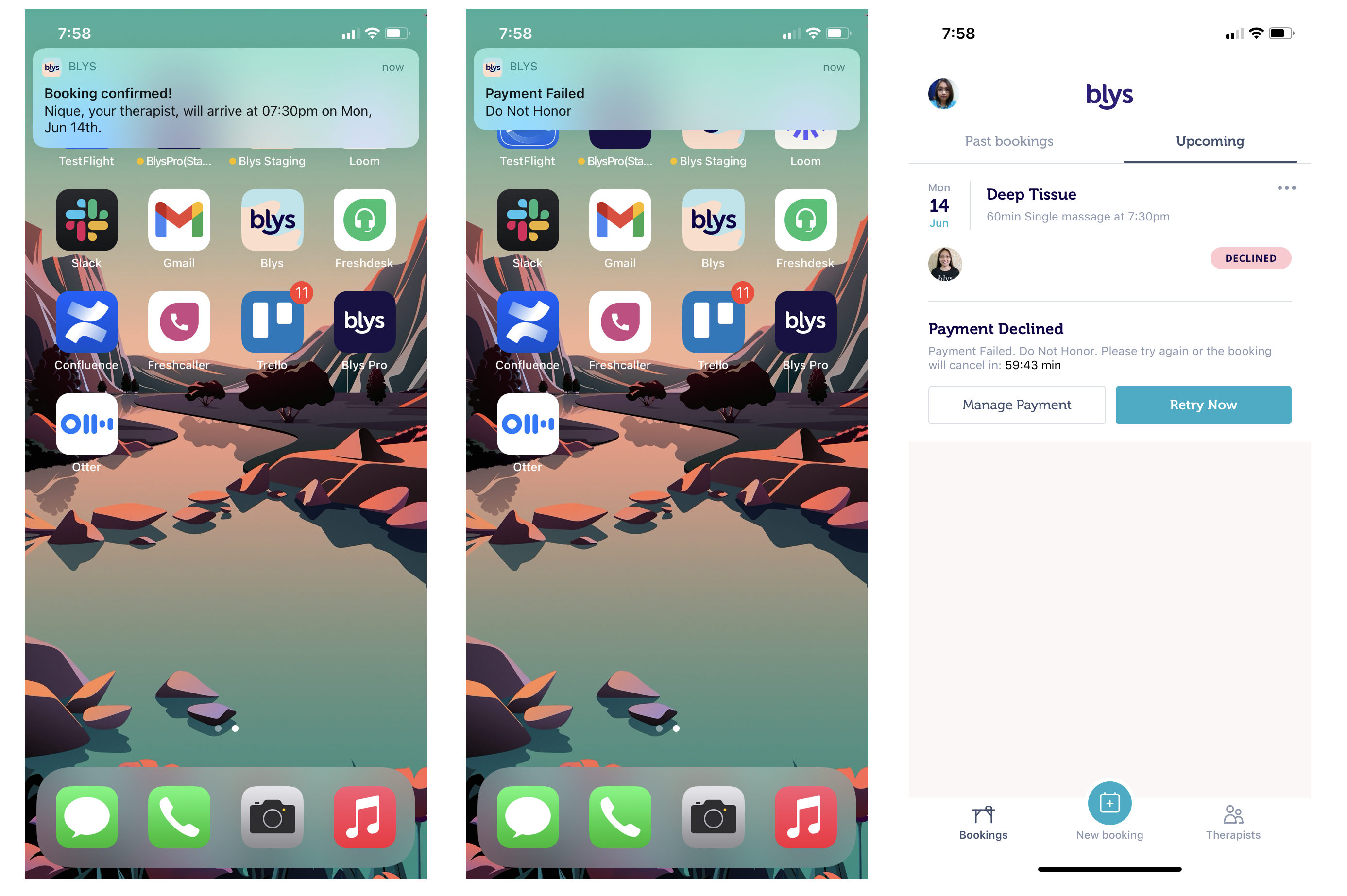
2. Tap on Manage Payment (add new card or select different method) OR tap Retry Now. There will be a "timer" on your app that shows how much time is left to settle the payment for your booking. In the event that the payment was not settled, your booking will automatically be canceled to free up the time your service provider allocated for you so she/he can allocate that to another client.
Via Web
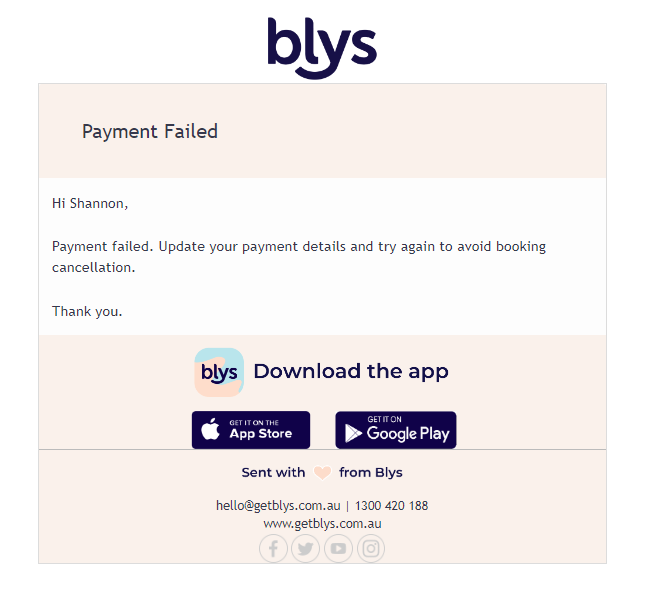
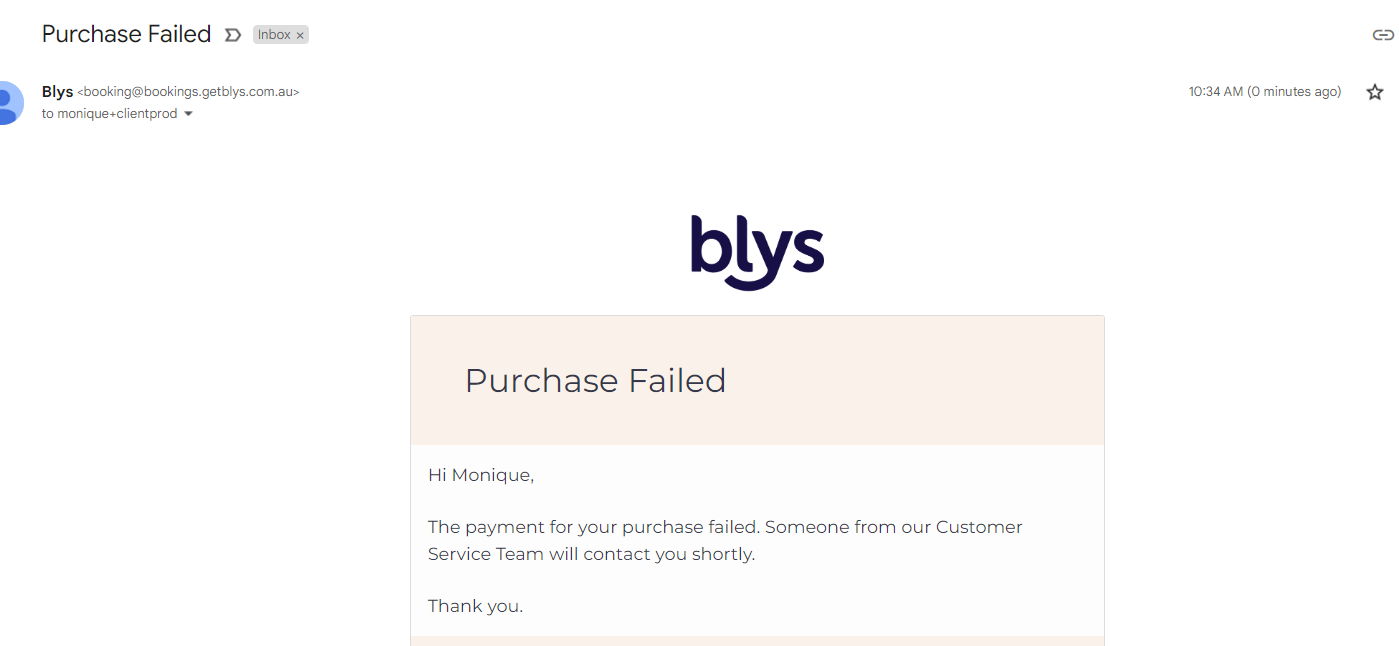
1. You’ll receive an email about your payment failure.
2. Log in to Blys, and find the pending booking. Click on Manage Payment or Retry Now. There will be a "timer" on your app that shows how much time is left to settle the payment for your booking. In the event that the payment was not settled, your booking will automatically be canceled to free up the time your service provider allocated for you so she/he can allocate that to another client.
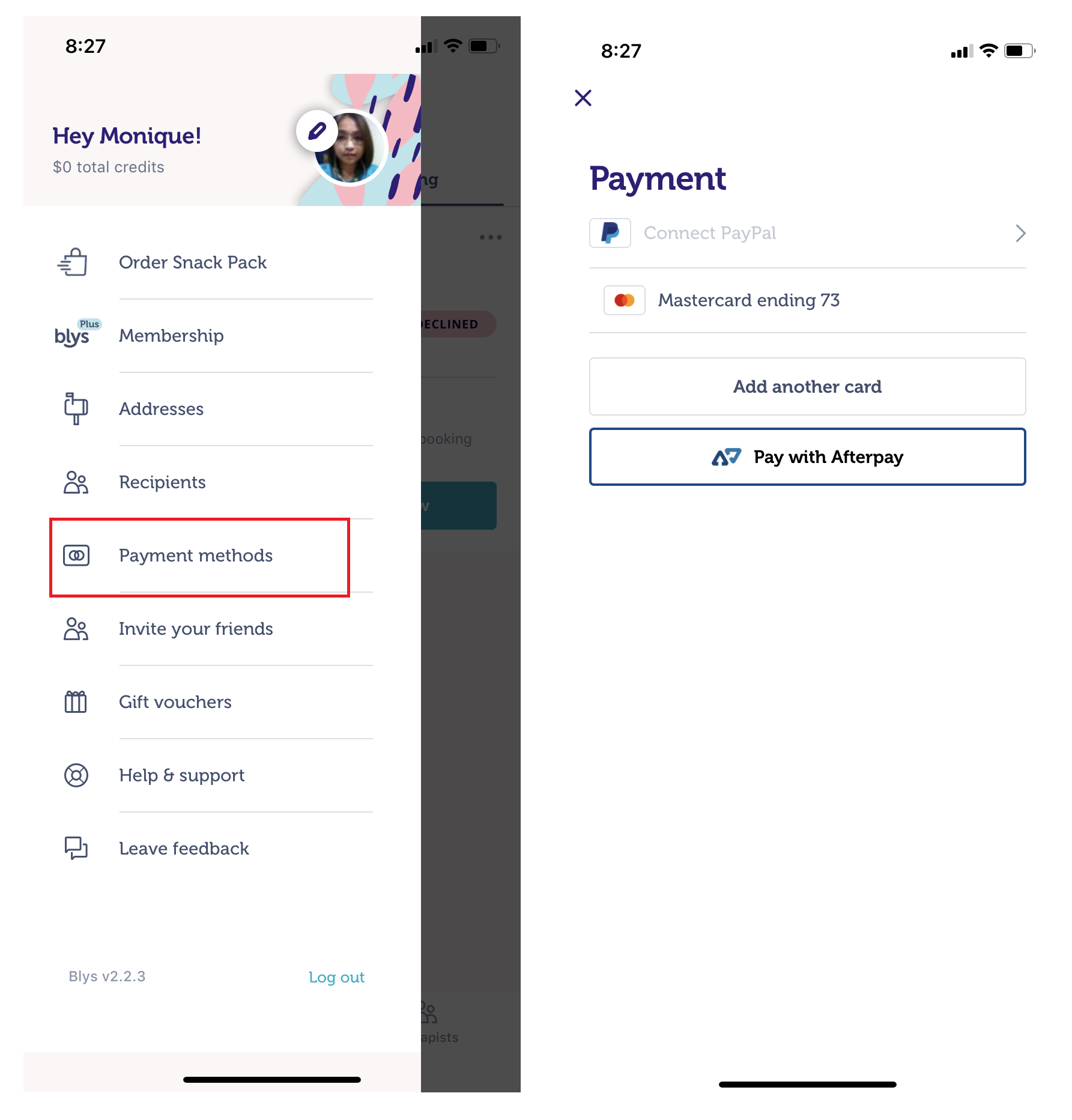
Note: Adding a card in Payment Methods does NOT automatically charge it - you must go to Manage Payment within the booking.
Common causes of payment failures
- Insufficient funds
- Expired card
- Bank blocking online transactions
- Daily spending limit
What if I can’t fix it in time?
If you can’t fix it in time, your booking gets cancelled, and you’ll need to rebook from scratch. Contact hello@getblys.com for urgent help.
Purchased Gift Cards
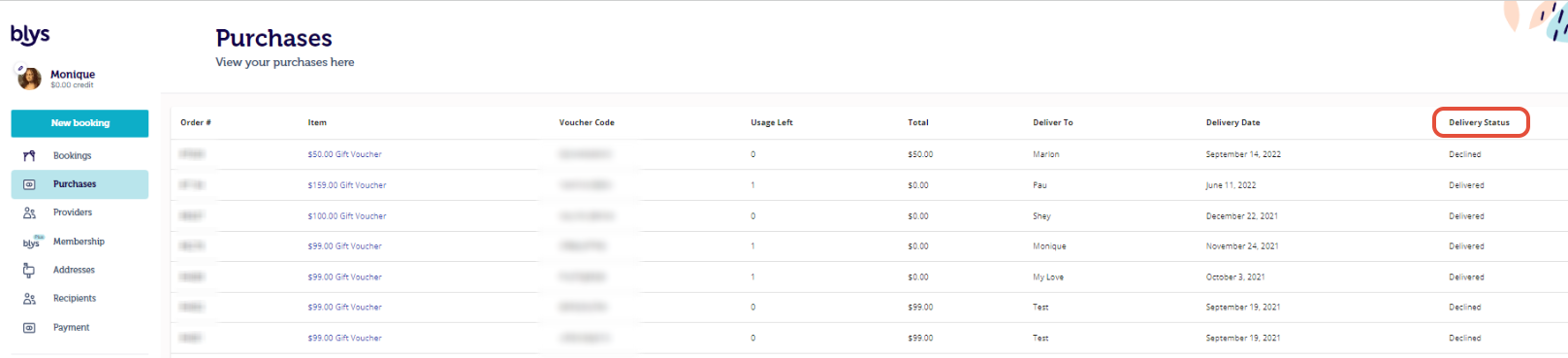
When you purchase a voucher and the payment was unsettled/ failed, it will show as "declined" in the delivery status. Unlike bookings, you may settle the payment at any time but please know that the voucher will be unusable unless the payment has been settled.
Adding a new card under the "Payment Methods" in your profile will not automatically charge your card. You need to go directly to "Manage Payment" (on the app) so our system can charge the newly added card accordingly.
Other References
How do I add a payment method to my account?