In this Article
- Creating a Blys client account
- Is mobile number verification mandatory?
- What if I cannot get a verification code in my email?
Creating a Blys client account
To create an account with Blys, you can either download the Blys app on your mobile device, or create an account via web. You can follow the steps below or directly click here to sign up.
Via Web
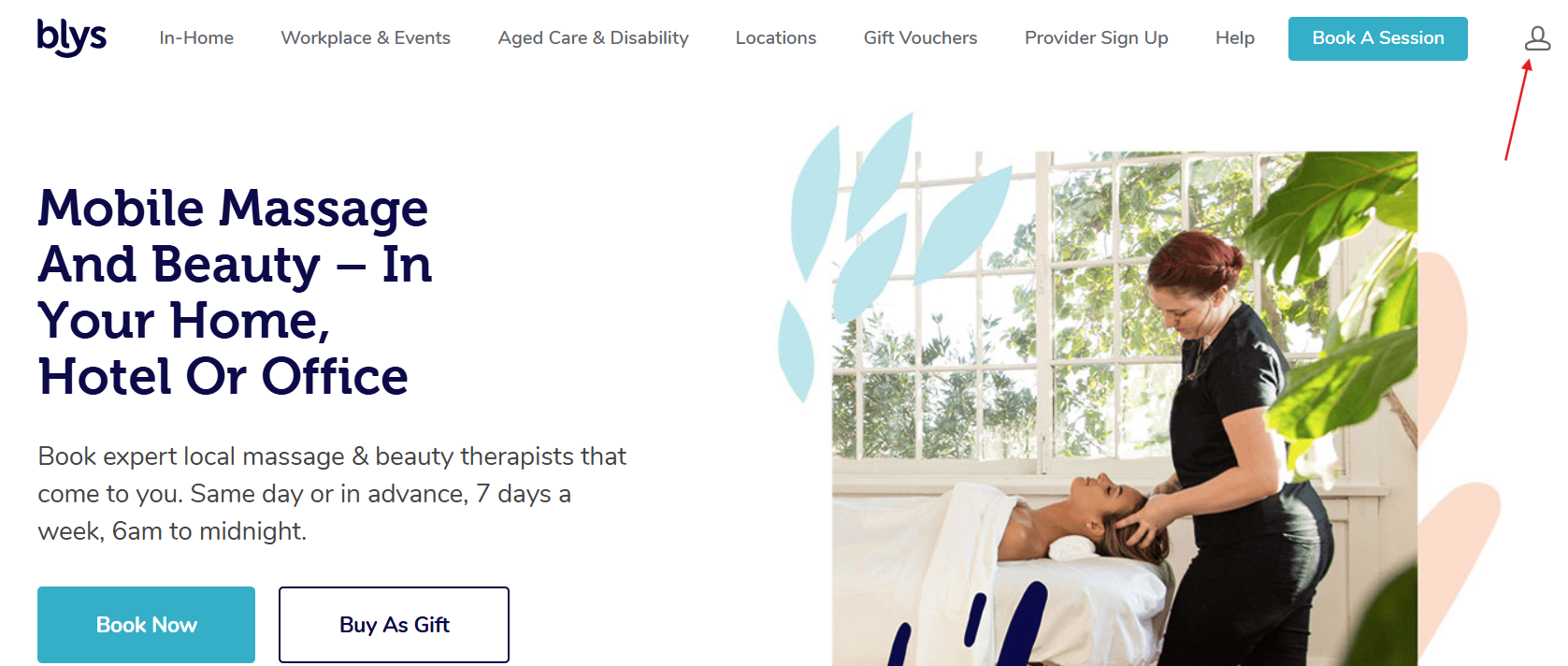
- Navigate to the Blys website and click on the profile icon at the top-right corner of the homepage.
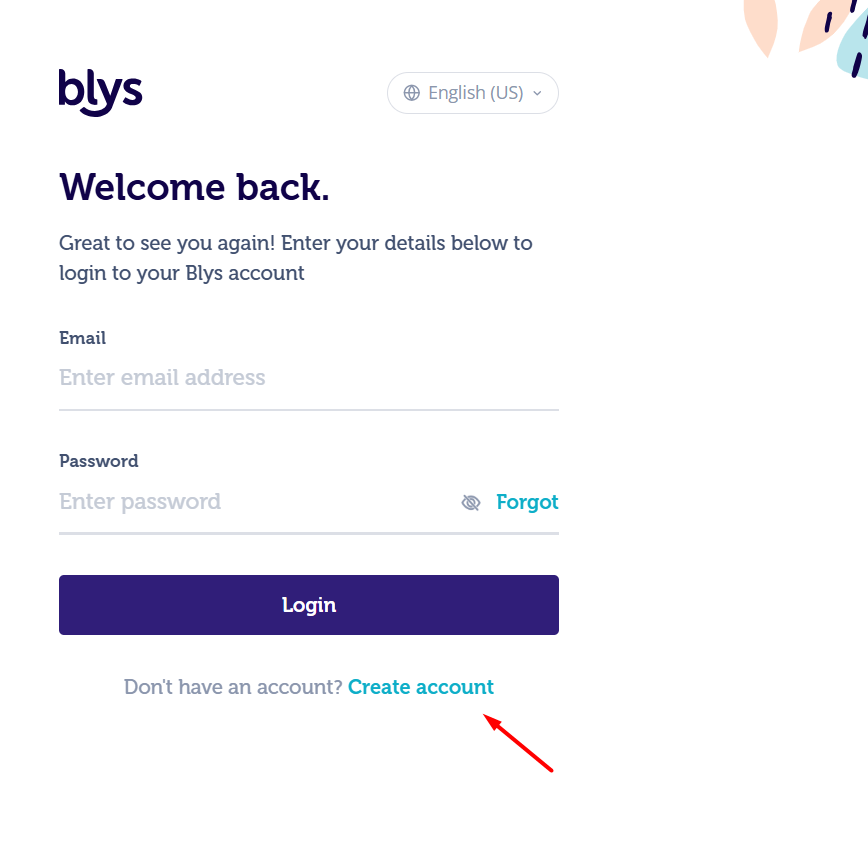
- Then, click on "Login" at the bottom-left and click on "Create account".
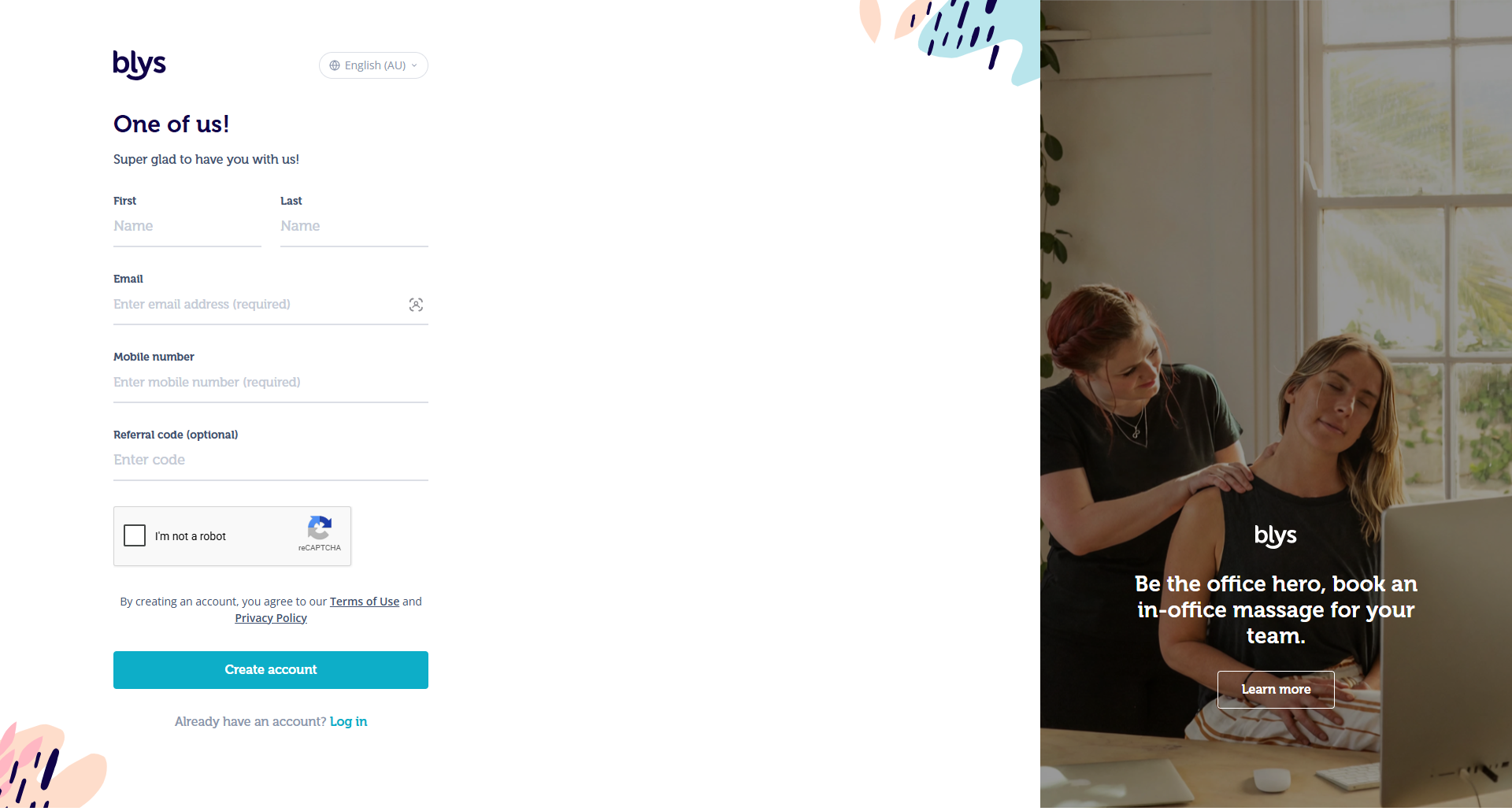
- Fill in the required details for account sign up, such as your name, email address, mobile number, and referral code if available.
- Once you add your email address, click on Next. This will open up a screen where you need to enter your verification code that’s been sent to your email address. Check your email inbox, enter the code sent to you, and click on Verify.
- If you can’t access your email, you can use your mobile number instead and continue with the verification process. You can verify your email address later from your account settings.
- If you’d like to switch to mobile number verification, click on “Continue with mobile number”.
- Enter your phone number with the correct country code, and click on Next.
- You can either choose to receive the verification code via text or an automated voice call. The quickest way is to verify by text message.
- Select Text Message and click on Send Code.
- Once you receive the verification code via text, enter the code on the screen and click on Verify.
- If you can’t receive a text message either, click on “Call me with code instead”.
- Blys will call your mobile number and read your 6-digit code aloud twice. You don't need to speak or press any keys, just enter the code you hear to verify your mobile number and continue. If you'd prefer a text message after choosing the call, select “Send the code by SMS instead”.
- Once verified, you can complete your sign-up process.
Via App
- Download the Blys app from the App Store or Google Play Store.
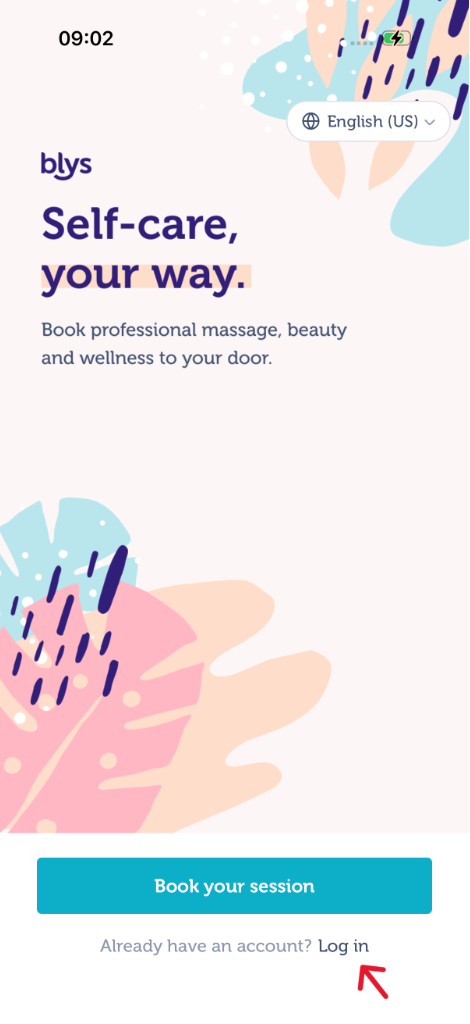
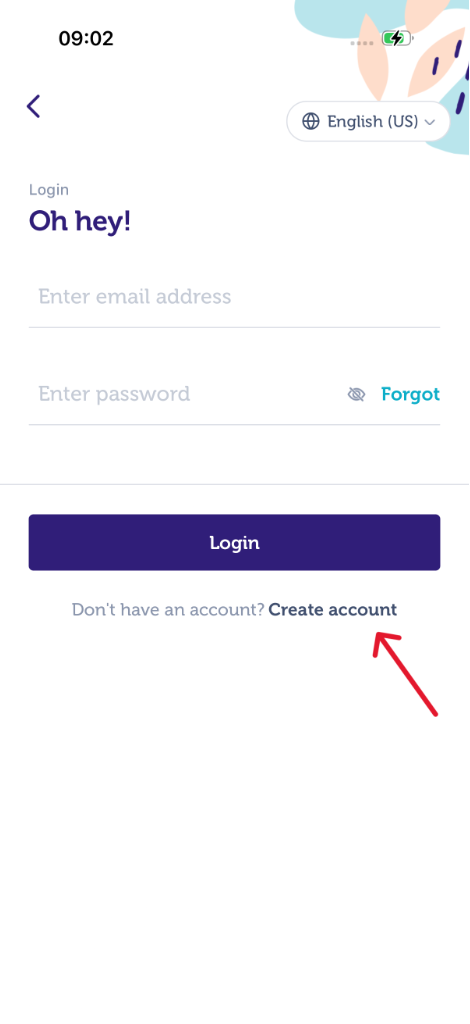
- Open the app and tap on "Log in"
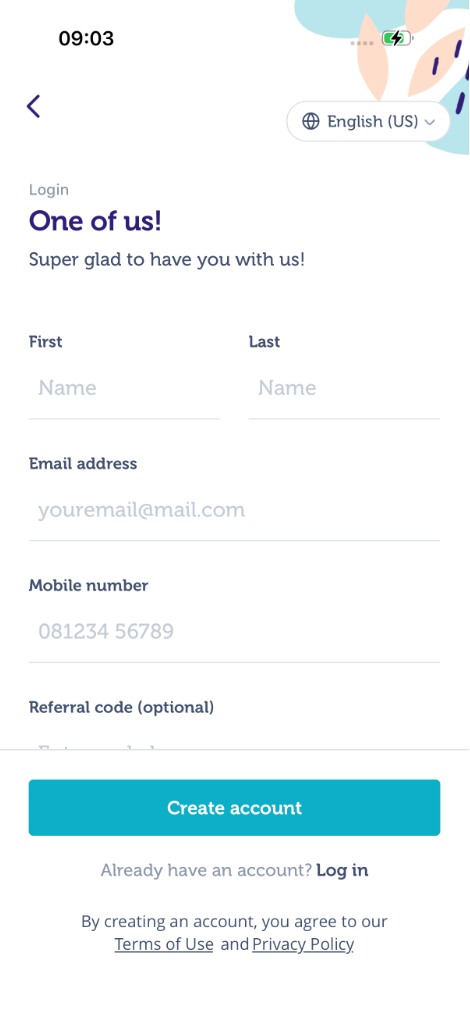
- Click on "Create account"
- Fill in the required details for account sign up, such as your name, email address, mobile number, and referral code if available.
- Once you add your email address, tap on Next. This will open up a screen where you need to enter your verification code that’s been sent to your email address. Check your email inbox, enter the code sent to you, and tap on Verify.
- If you can’t access your email, you can use your mobile number instead and continue with the verification process. You can verify your email address later from your account settings.
- If you’d like to switch to mobile number verification, tap on “Continue with mobile number”.
- Enter your phone number with the correct country code, and tap on Next.
- You can either choose to receive the verification code via text or an automated voice call. The quickest way is to verify by text message.
- Select Text Message and tap on Send Code.
- Once you receive the verification code via text, enter the code on the screen and tap on Verify.
- If you can’t receive a text message either, tap on “Call me with code instead”.
- Blys will call your mobile number and read your 6-digit code aloud twice. You don't need to speak or press any keys, just enter the code you hear to verify your mobile number and continue. If you'd prefer a text message after choosing the call, select “Send the code by SMS instead”.
- Once verified, you can complete your sign-up process.
|
|
|
Is mobile number verification mandatory?
Yes, mobile verification is mandatory to sign up on Blys. Please make sure that the information you provide is correct and that you have access to the mobile number used during registration. You can verify your email address later by going to your account settings.
If you encounter any issues during the sign-up process or have further questions, please visit our Help Center for assistance or contact our team.
What if I cannot get a verification code in my email?
If you don’t have access to your email, or didn’t receive the code for any unforeseeable reason, you can always choose to verify your mobile number by text message or call instead. Please follow the instructions on the screen to verify your mobile number.