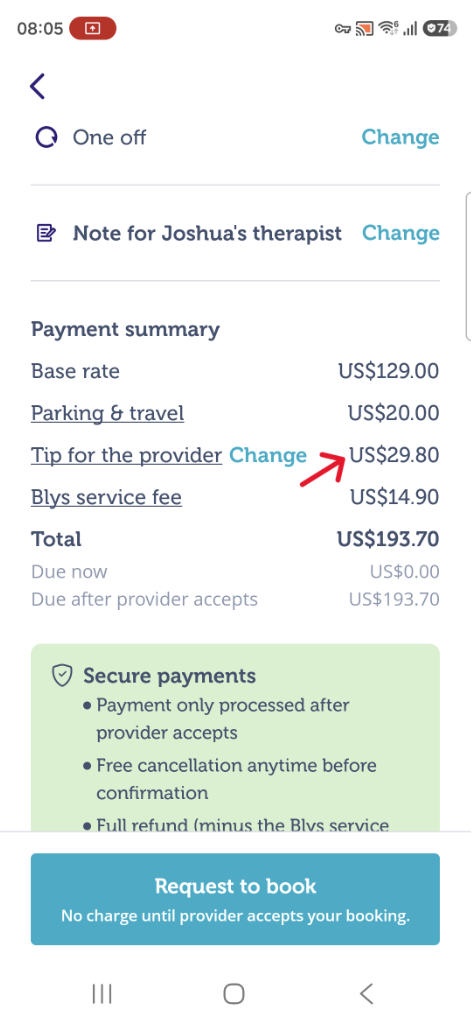
If you want to tip your service provider before your booking is confirmed, here's how you can do that:
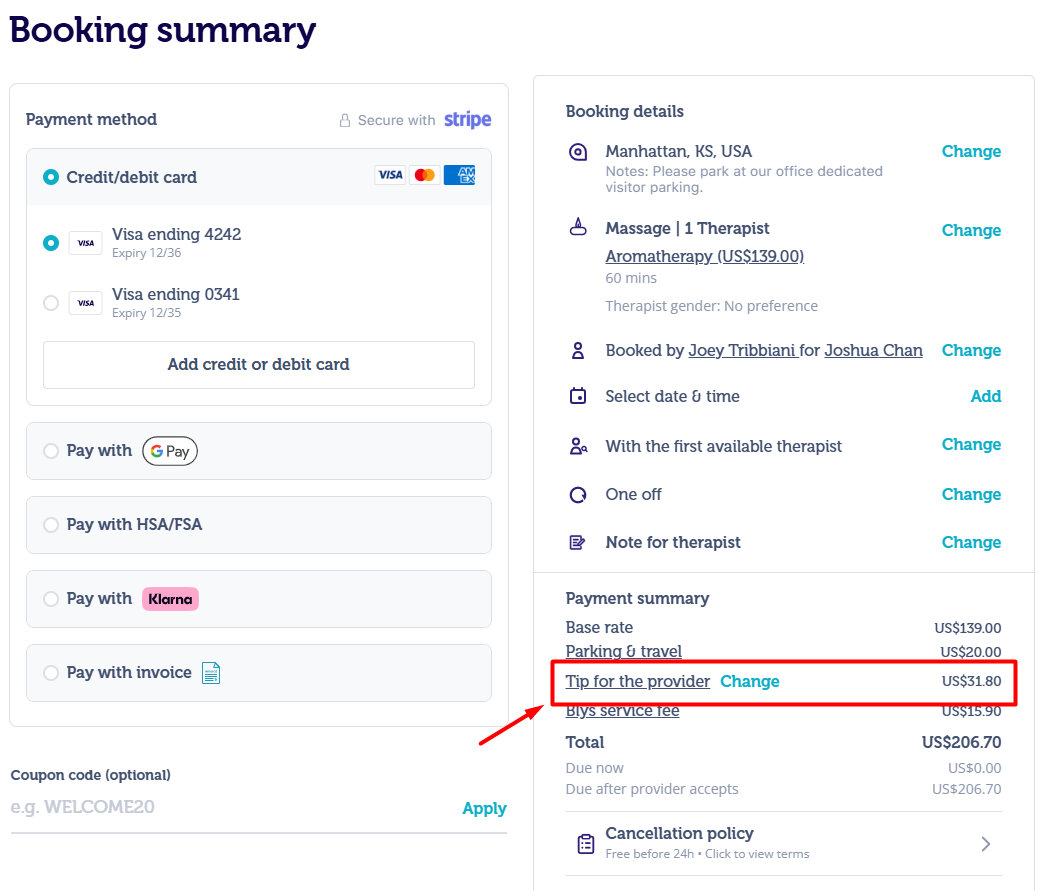
Via Website
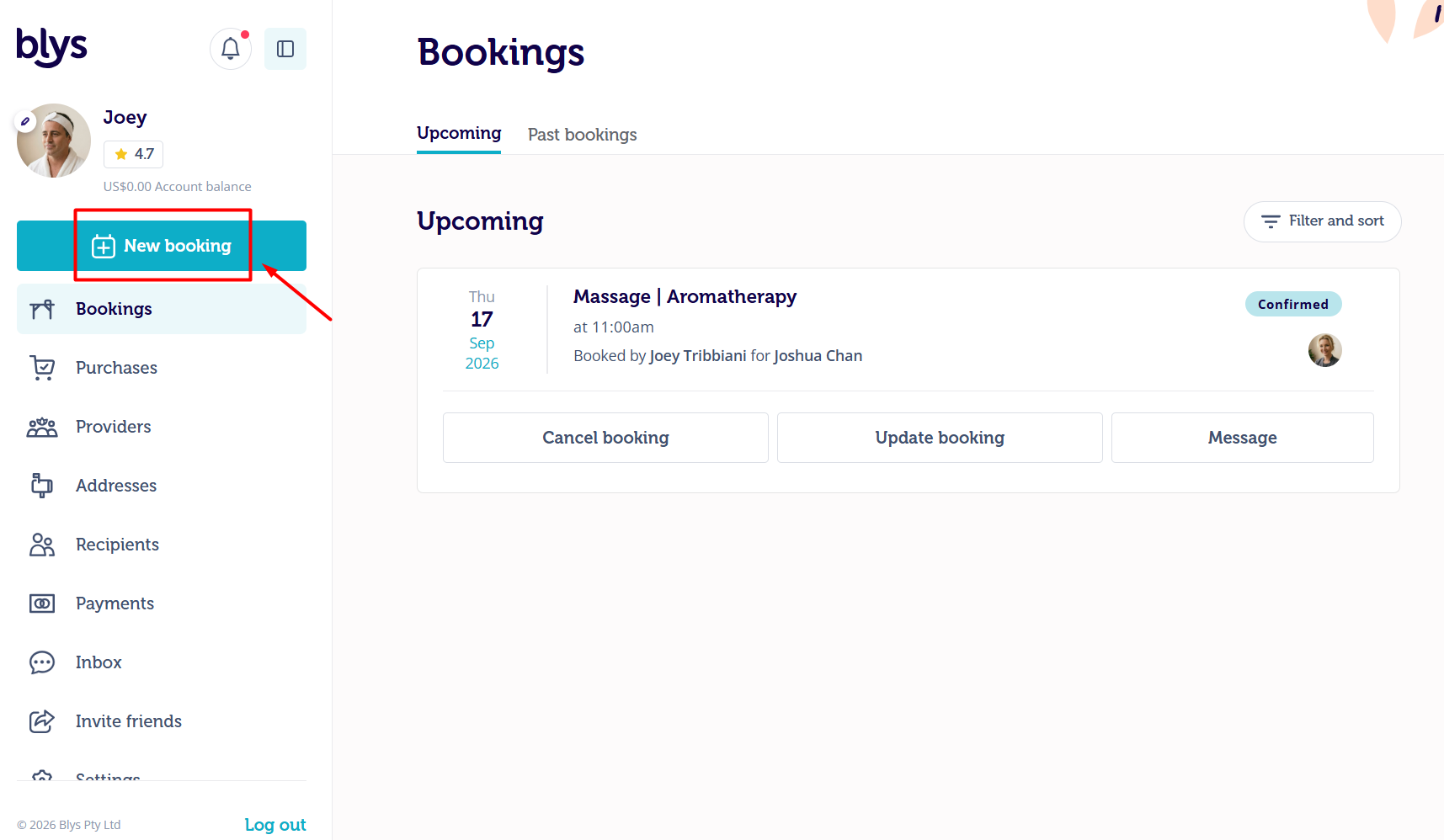
- Click on New booking.
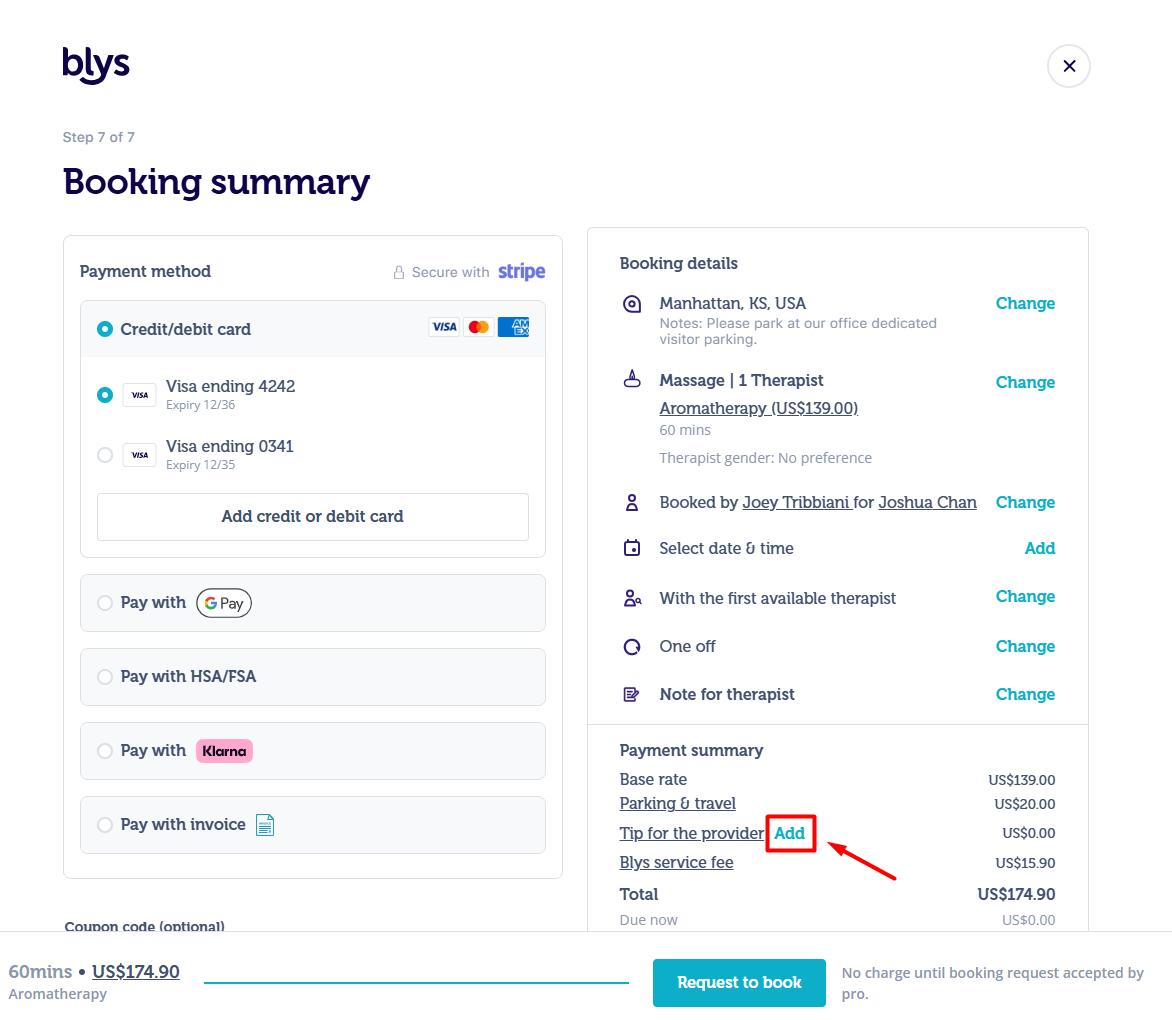
Once you've filled in your details and completed all the steps:
- Navigate towards Add, next to Tip for the provider.
- Select your desired tip amount, or add a custom tip.
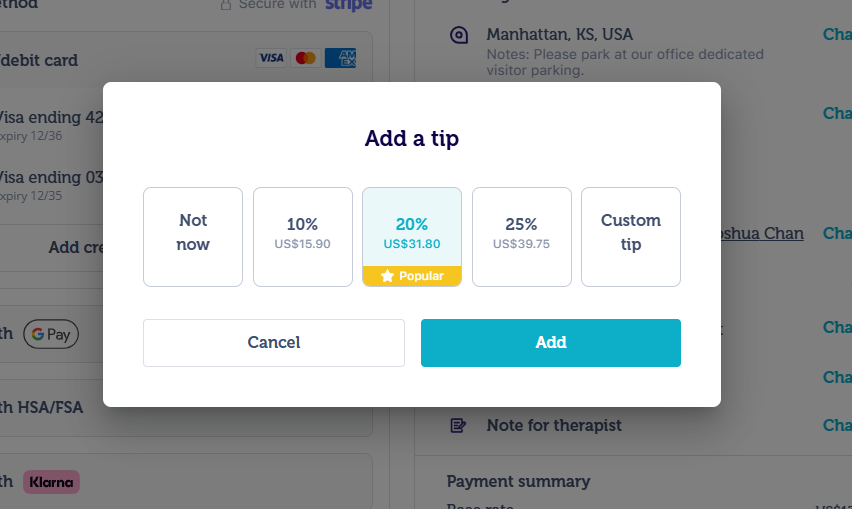
- Confirm the tip amount.
Via Mobile App
- Click on New booking.
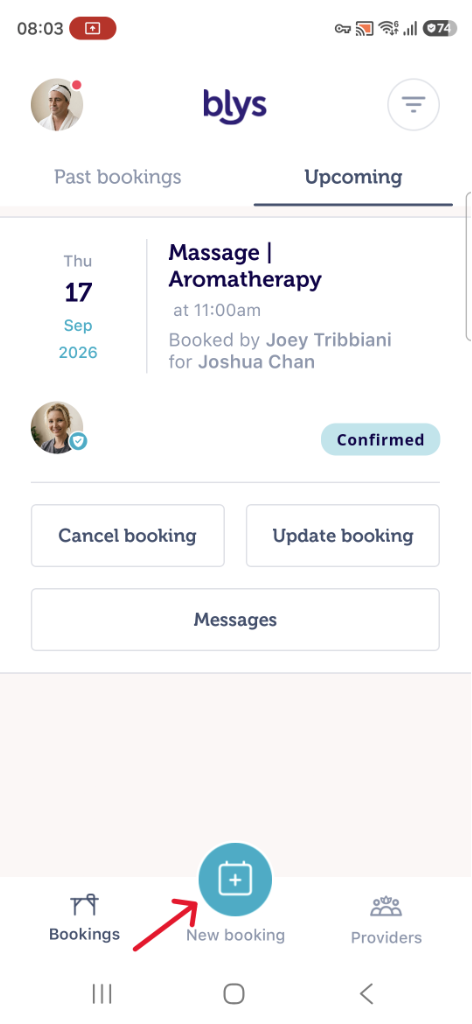
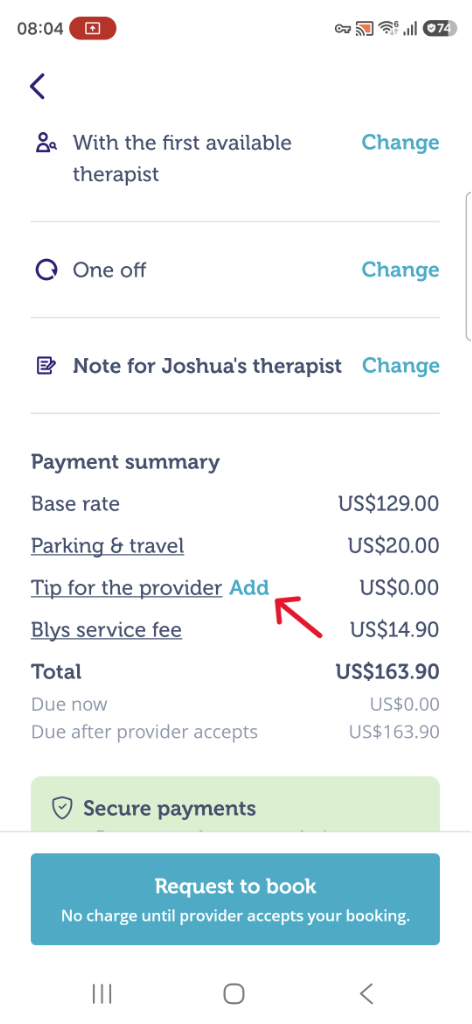
Once you've filled in your details and completed all the steps:
- Navigate towards Add, next to Tip for the provider.
- Select your desired tip amount, or add a custom tip.
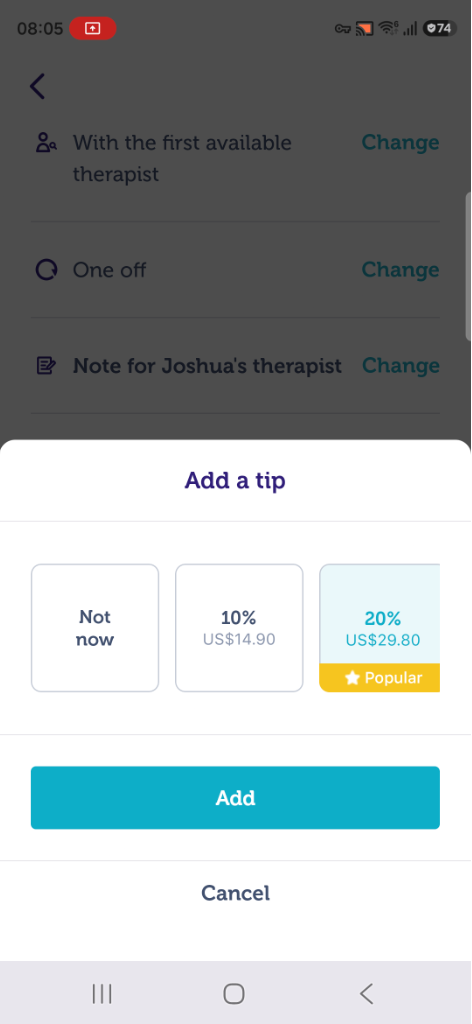
- Confirm the tip amount.