TABLE OF CONTENTS
Updating your pro app
The app will update itself automatically the next time you open the app. The app shows an in-app message saying “App updated”, which relaunches the app to make sure the app is refreshed after the new update. All you have to do is press "OK".
Checking your pro app version
Here's how you can check the version of your pro app:
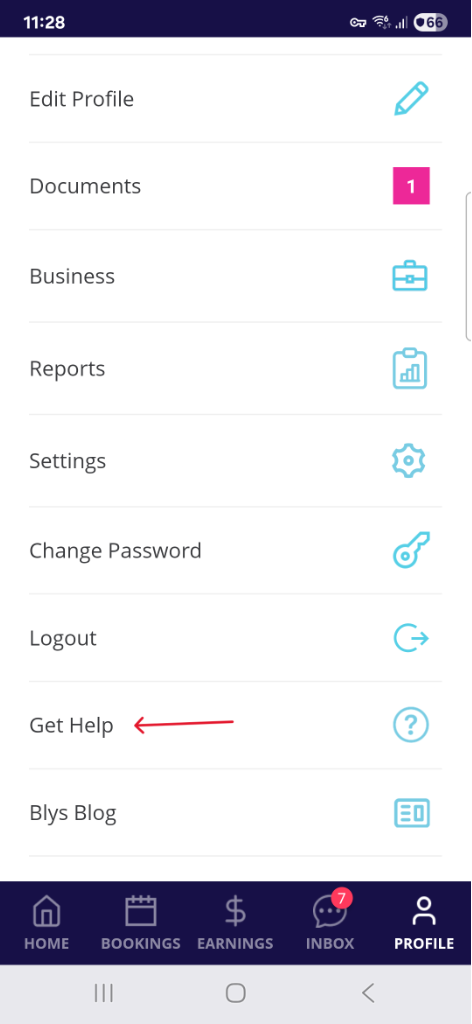
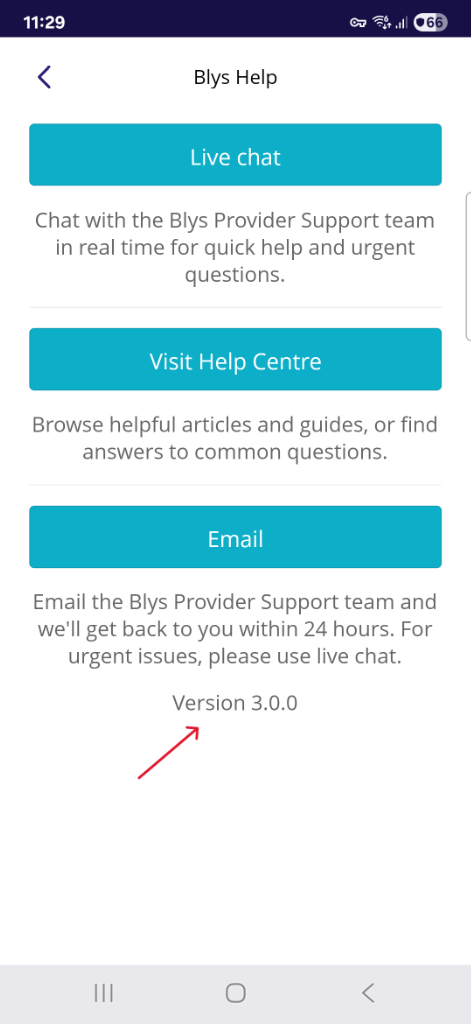
- Go to Account -> Help, and then find the version number at the bottom of the page.
 |  |