If you’ve forgotten your password, don’t worry! You can easily reset it using either mobile or web apps. Just follow the steps below:
Mobile App
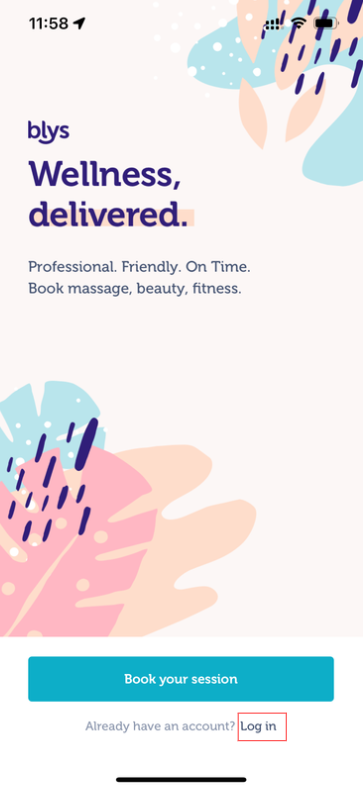
Open the Blys mobile app.
Tap Log in.
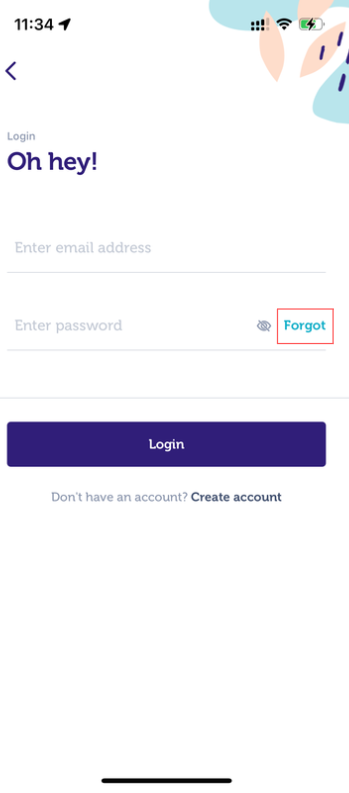
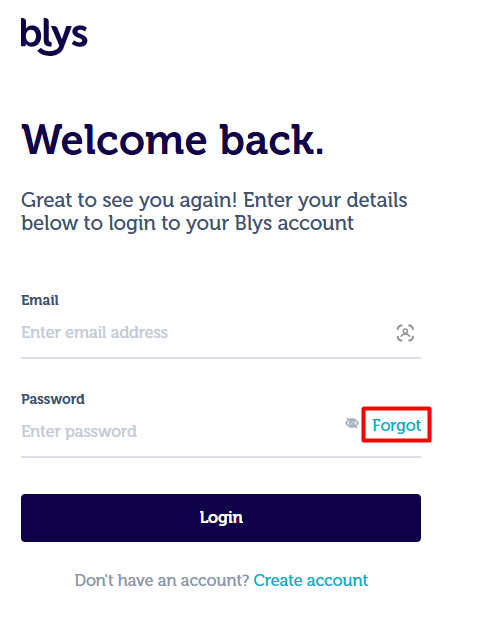
Tap Forgot
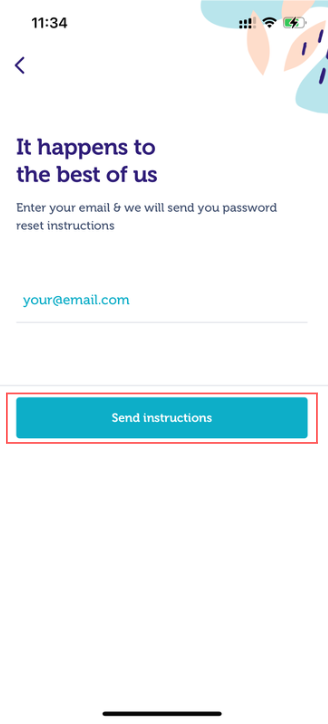
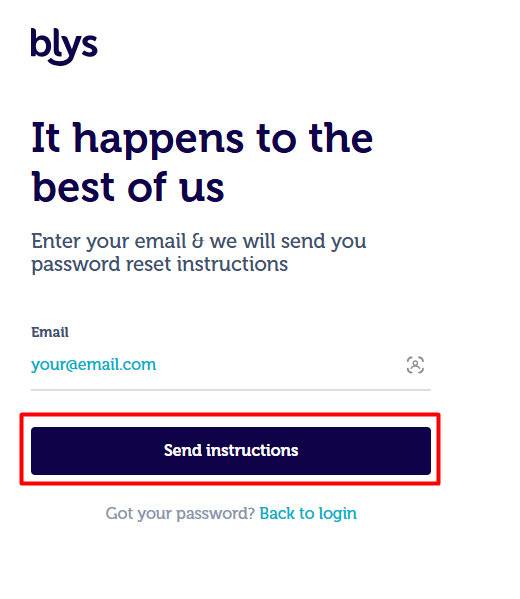
Enter your email address and tap Send instructions.
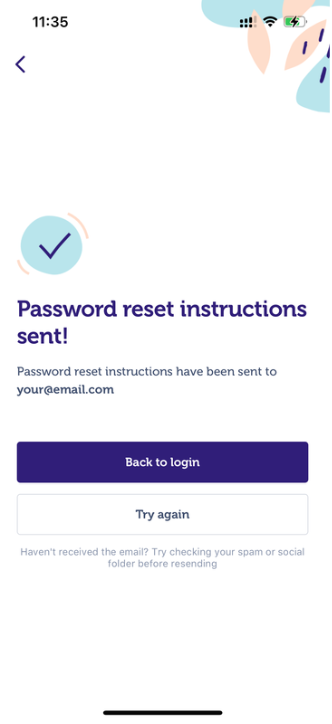
Check your inbox – you’ll receive an email with a password reset link.
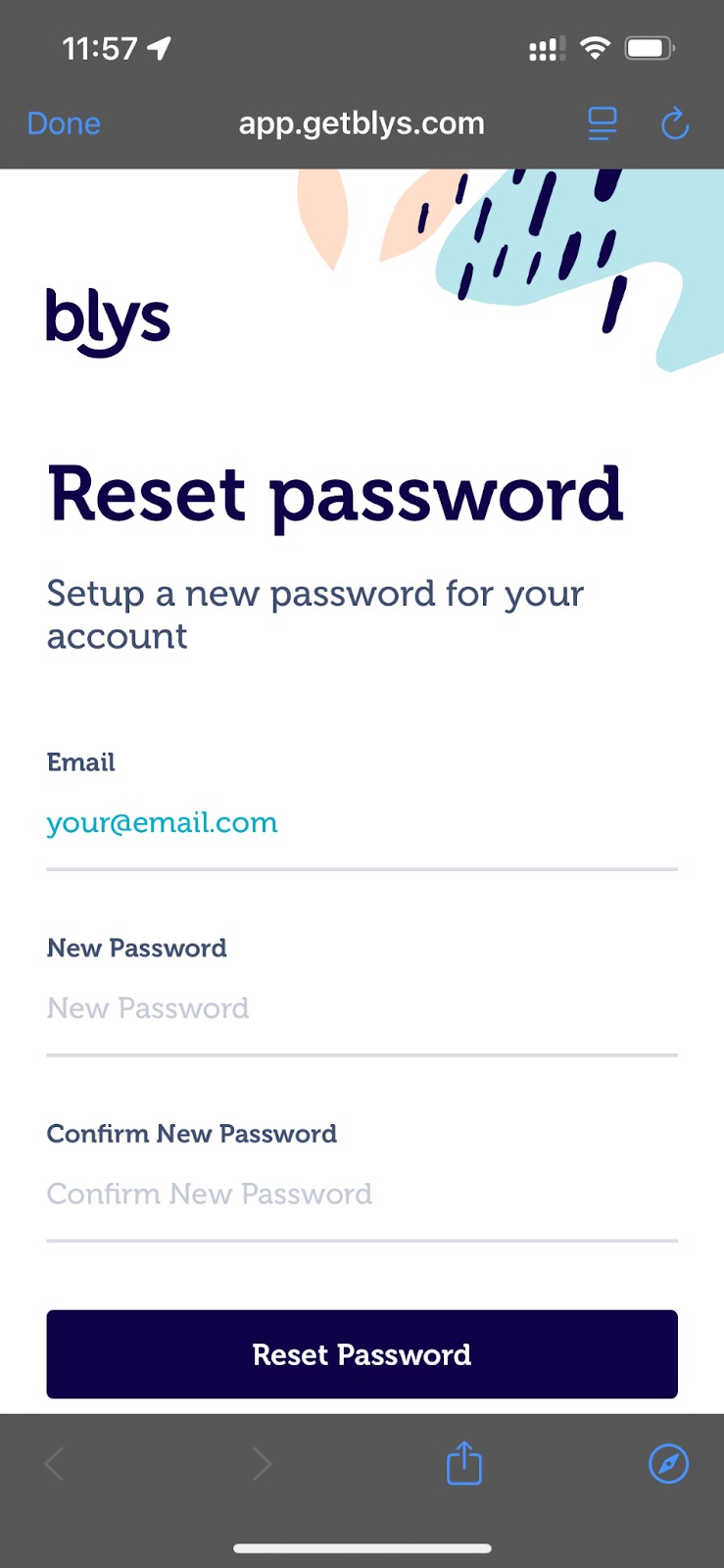
Tap the link in the email and follow the instructions to set a new password.
Web App
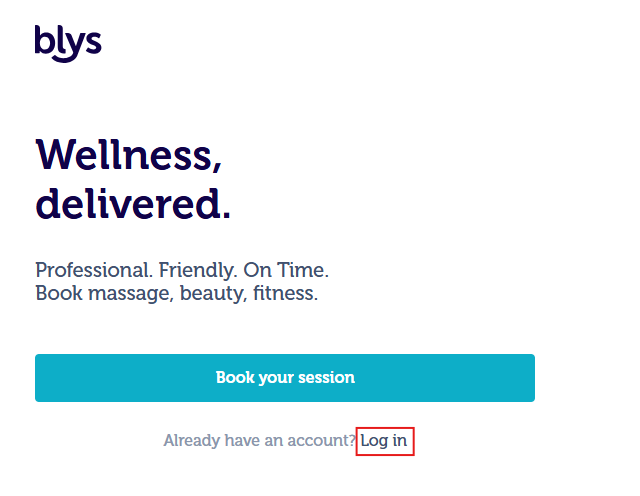
Click Forgot?
Enter your email address and click Send instructions.
Open the email we sent you and click the reset link.
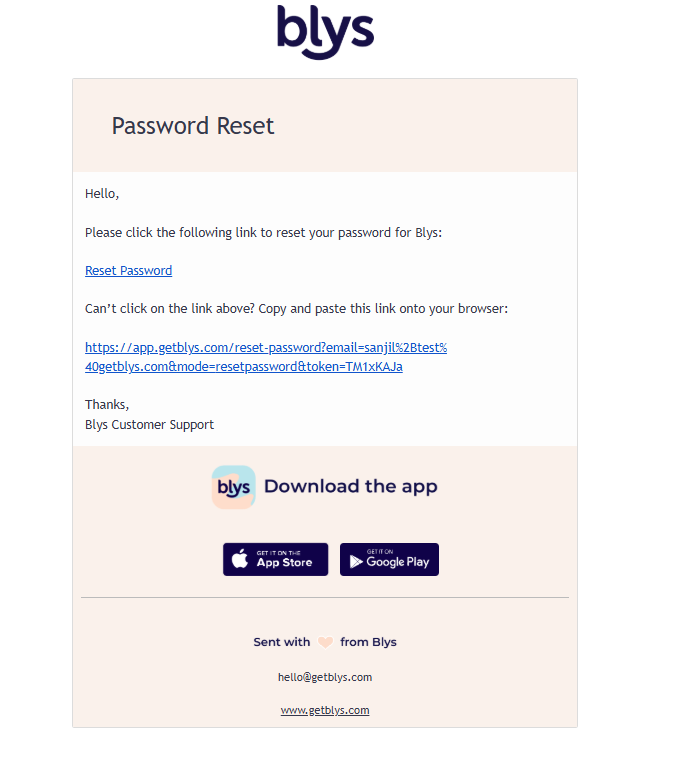
Follow the instructions to create a new password.
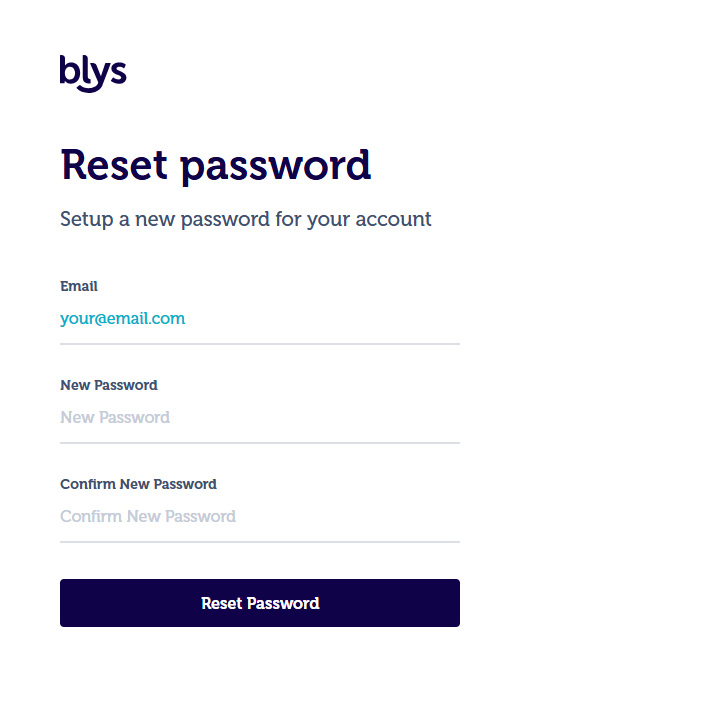
Here’s a quick demo video showing how you can easily reset your password on the web: https://www.loom.com/share/20647724541445978df2c69f88da693a