TABLE OF CONTENTS
Updating your client app
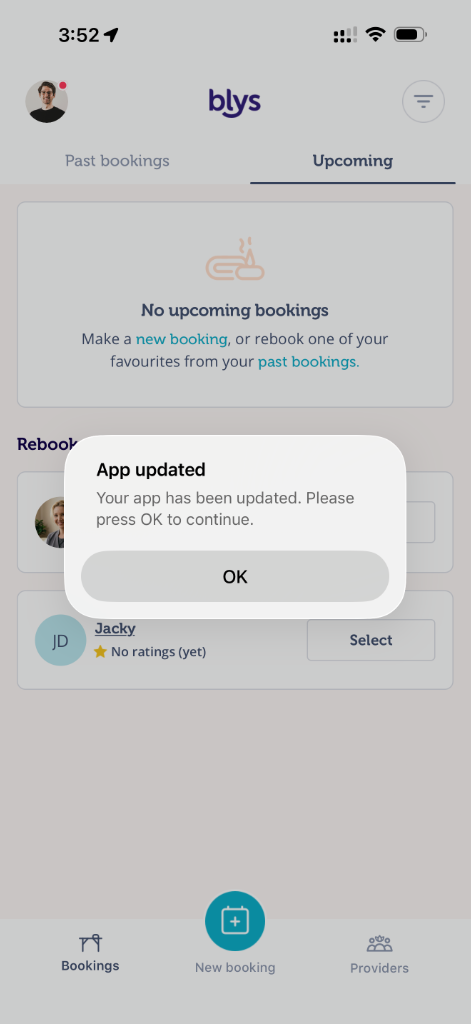
The app will update itself automatically the next time you open the app. The app shows an in-app message saying “App updated”, which relaunches the app to make sure the app is refreshed after the new update. All you have to do is press "OK".
Checking your client app version
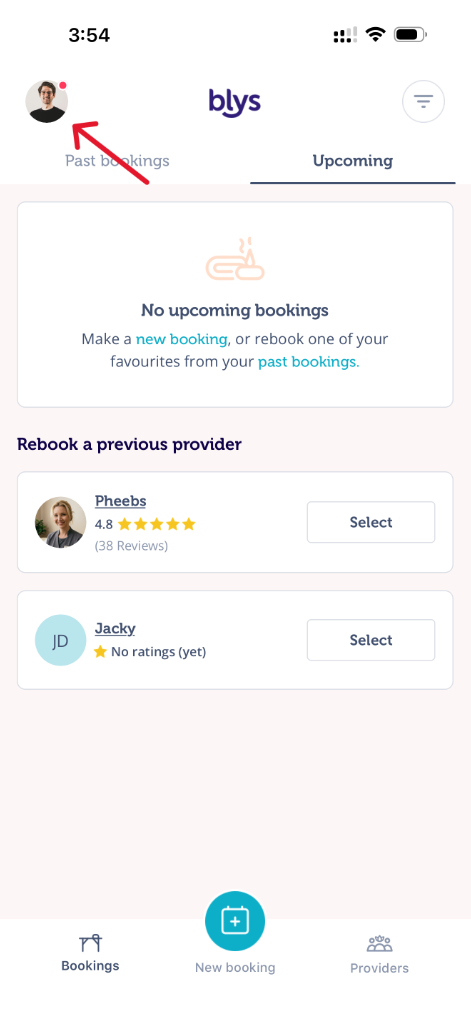
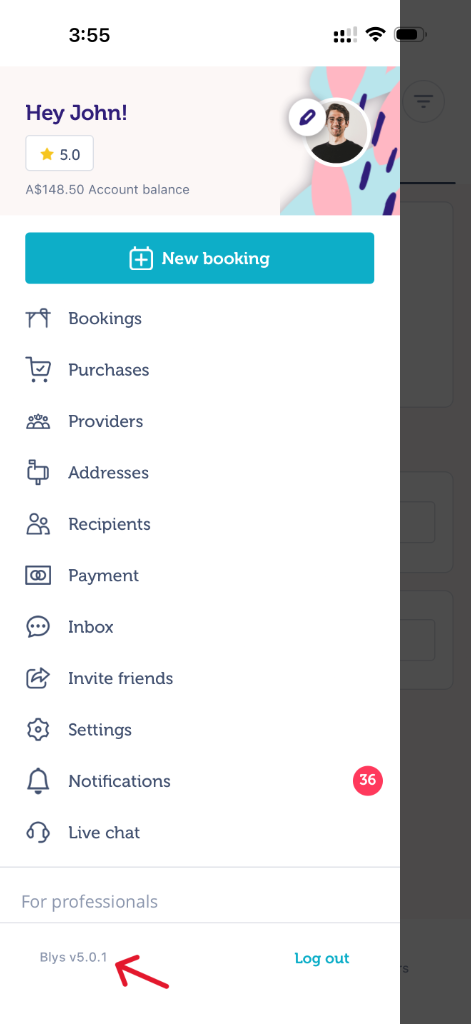
You can find the app version by clicking your photo on the top left of your screen.
 |  |