If you are an Account Owner on a Blys for Teams account, you can view reports on your team's wellness bookings.
In this article
How to open your reports
- Log in to your Blys account via the website.
- In the left-hand navigation panel, click Reports.
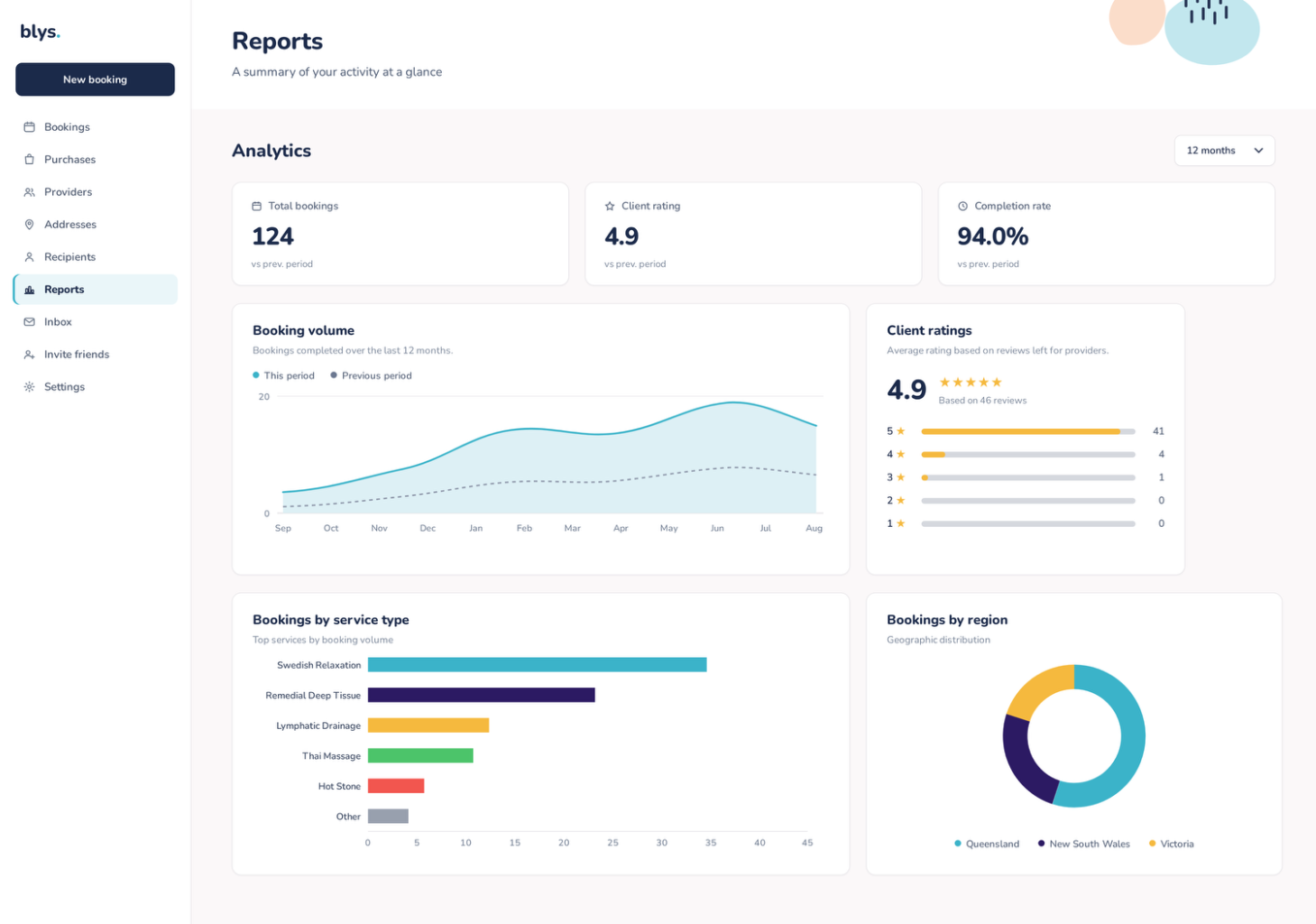
What you can see
- An overview of your account's booking activity.
- Ratings given to providers booked through Blys.
You can filter reports by time period to compare activity across weeks and months.
Who can access reports?
Reports are available to Account Owners. Account Managers you have invited to your account can still place and manage bookings, but they do not see the Reports section.
Note: We are adding more detail to reports over time, including booking trends over time and a breakdown of services booked.